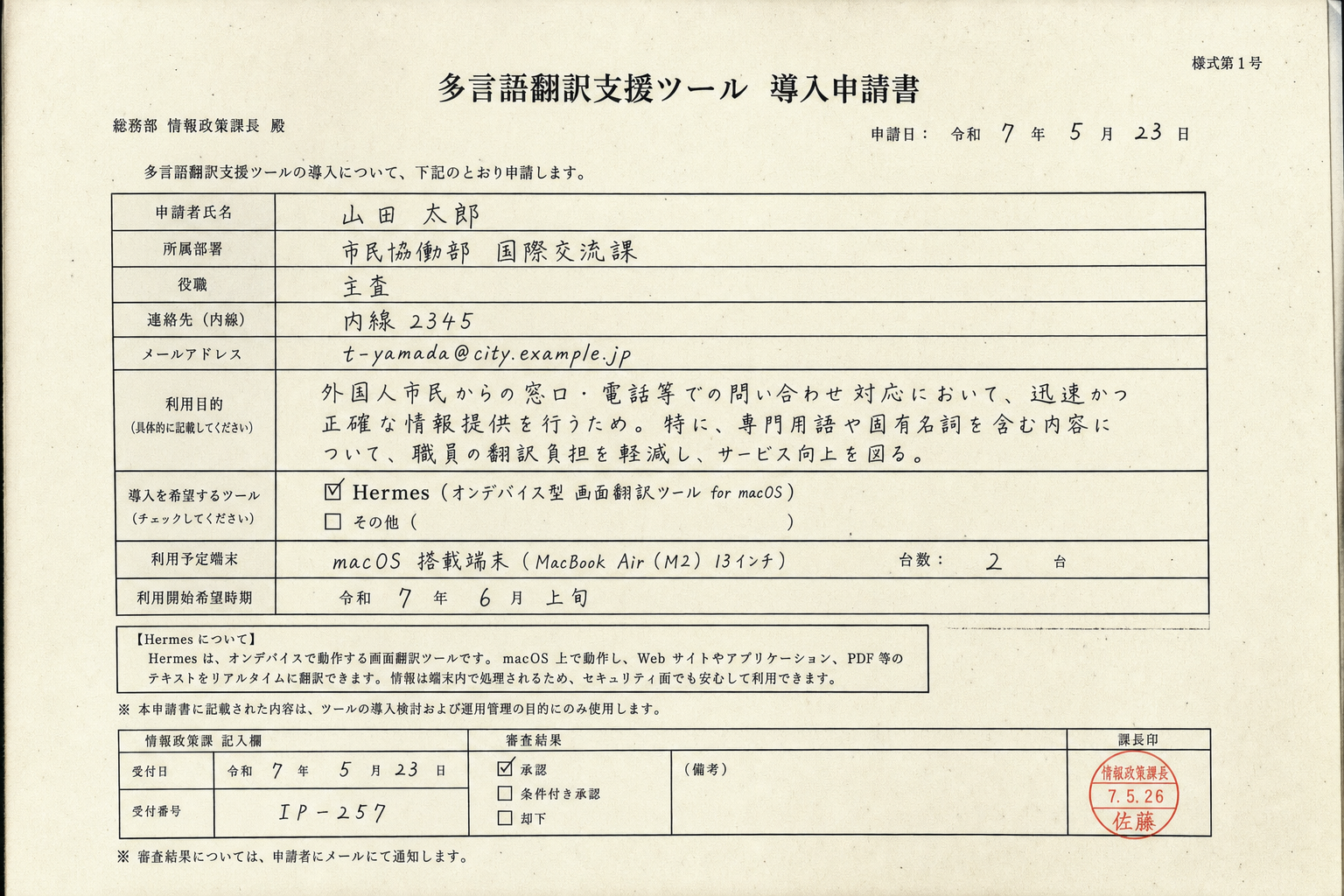
Hermes는 화면의 텍스트를
실시간으로 번역합니다.
웹, 이미지, 알림까지.Hermes translates any text
on your screen in real time —
websites, images, notifications.
전부 기기에서 처리됩니다.
데이터가 Mac을 떠나지 않아요.
클라우드 없이, 타협 없이.It runs entirely on-device,
so nothing leaves your Mac.
No cloud uploads, no tradeoffs.
여러 언어로 일한다면
Hermes가 정답입니다.If you work across languages,
Hermes is the tool to beat.
Hermes가 선택되는 이유Why Hermes wins
대부분 번역은 앱 하나에만.
Hermes는 전부 위에 떠요.
Slack, Safari, PDF까지.Most translators only handle
one app at a time.
Hermes floats over everything.
유리가 커서를 따라갑니다.
어디든 드래그하고 크기를 바꿔
필요한 자리에서 읽으세요.The glass follows your cursor.
Drag it anywhere, resize it,
and read right where you need it.
「macOS에 어울리는 번역,
드디어 찾았어요.」“Finally, a translator
that feels native to macOS.”
일주일 쓰면
복사-붙여넣기가
석기시대처럼 느껴져요.After a week with Hermes,
going back to copy-paste
feels like the dark ages.