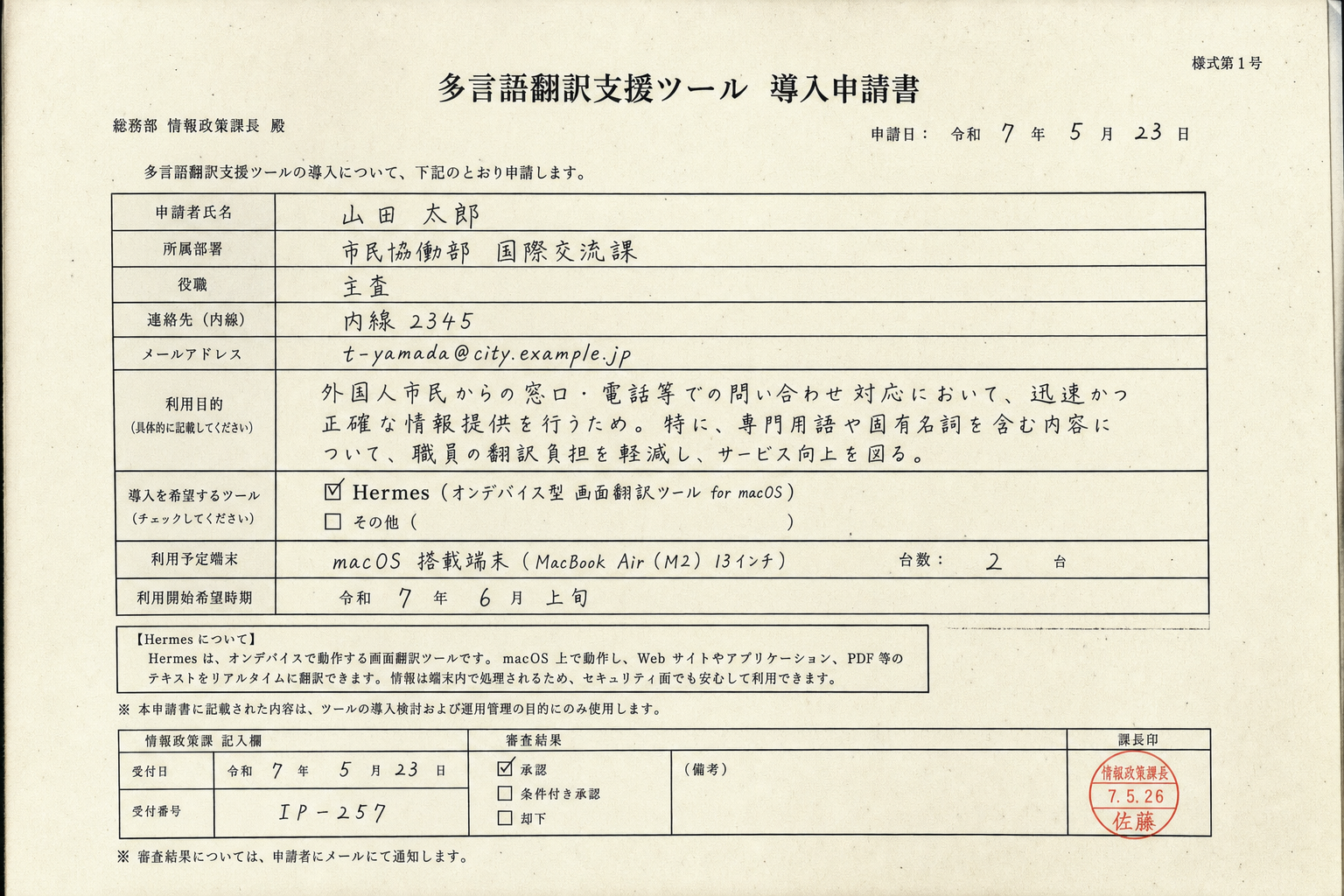
Hermes 实时翻译屏幕上
的任何文字。
网页、图片、通知都行。Hermes translates any text
on your screen in real time —
websites, images, notifications.
完全在设备上运行,
数据不会离开你的 Mac。
无需云端,没有妥协。It runs entirely on-device,
so nothing leaves your Mac.
No cloud uploads, no tradeoffs.
跨语言工作时,
Hermes 就是首选。If you work across languages,
Hermes is the tool to beat.
为什么选 HermesWhy Hermes wins
多数翻译一次只管一个应用。
Hermes 浮在所有窗口上。
Slack、Safari、PDF 都行。Most translators only handle
one app at a time.
Hermes floats over everything.
玻璃跟着光标走。
拖到任何位置、调整大小,
在需要的地方直接阅读。The glass follows your cursor.
Drag it anywhere, resize it,
and read right where you need it.
“终于有一款
像原生 macOS 的翻译。”“Finally, a translator
that feels native to macOS.”
用上一周 Hermes,
再回去复制粘贴
就像回到石器时代。After a week with Hermes,
going back to copy-paste
feels like the dark ages.